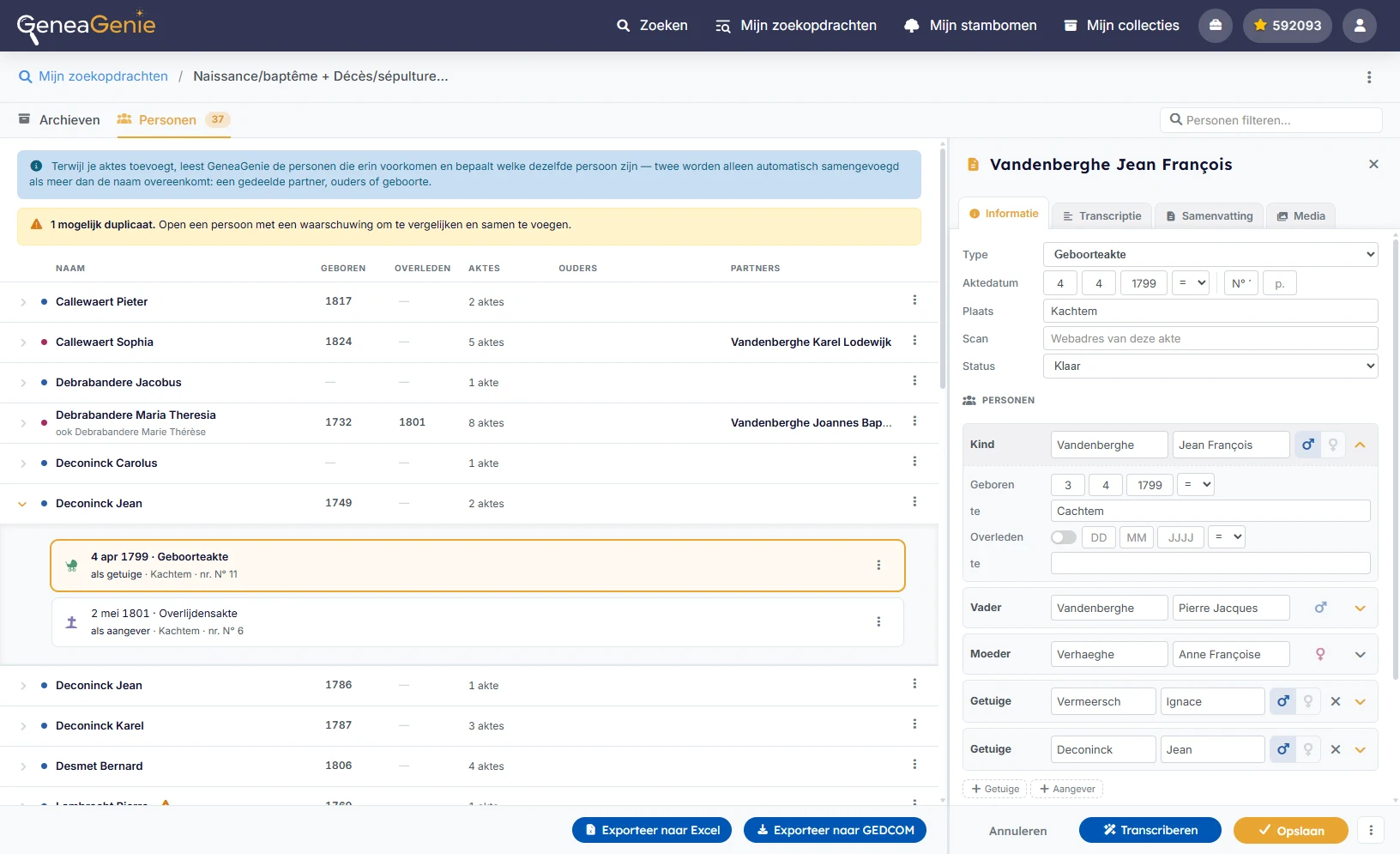
Original records, evidence-first research
Explore state, municipal, regional, and FamilySearch archives in one unified view, organized by place and period. Start from the original scan, record its people and facts in your search, and keep each conclusion tied to its source — reliable evidence for your research.
Choose a place and period to begin archive research
GeneaGenie streamlines your research by consolidating municipal, state, regional, and FamilySearch archives into a single, unified interface organized by event type and period. Enter the locations and range manually or select a person from your tree to let GeneaGenie automatically calculate the relevant timeframe and prioritize the most viable locations and years to investigate first.
- State, municipal, regional, and FamilySearch archives all in one view
- Let GeneaGenie suggest the most relevant places and years
- See every archive on the map and add a neighbouring municipality with a single click
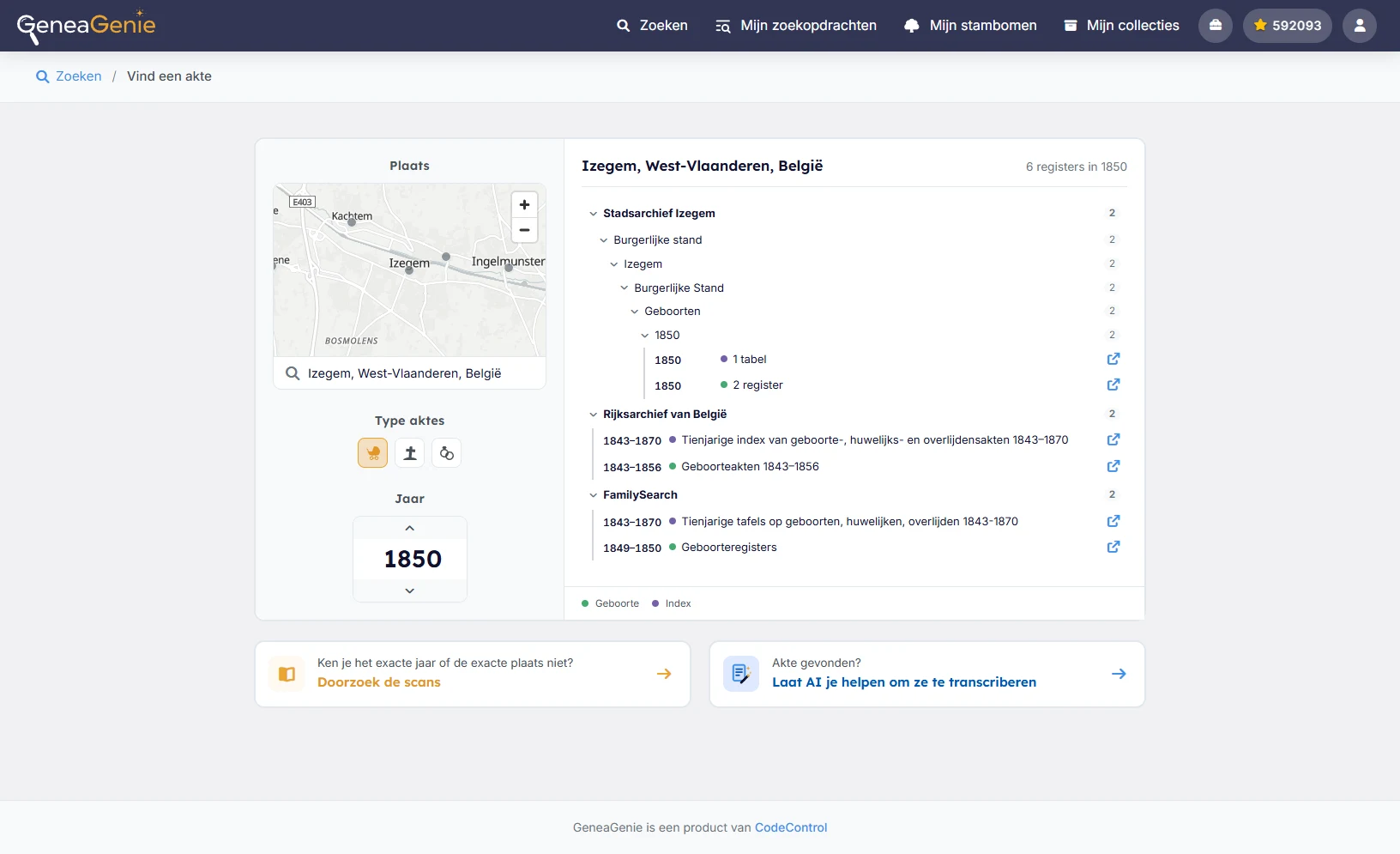
Browse archive registers by place and period.
See which registers cover each year, open the original scans, and mark what you have already checked as you work through the evidence.
- Compare state, municipal, regional, and FamilySearch holdings side by side
- Straight to the source
- Keep track of the registers you have already checked
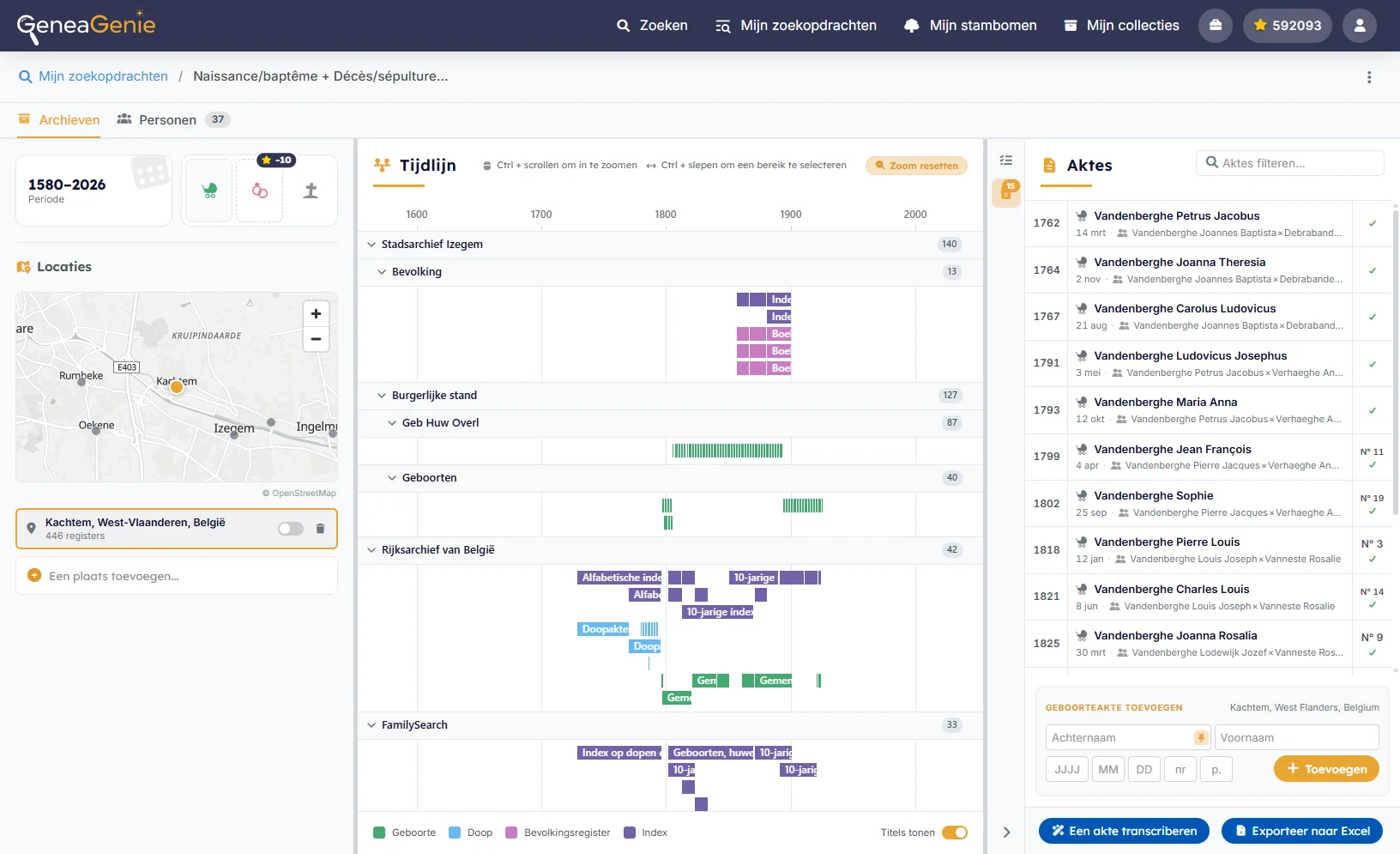
Group records by person and review possible duplicates
Record the people and facts you find without losing the link to the original scan. GeneaGenie groups connected records and helps you review people who may be duplicates.
- Keep the original scan and source with every discovery
- Add people and facts from records to your search